Hi Ernest, is there any news on a sort order drop down feature? I noticed a response a year or so back suggesting this might be in the pipeline. I have a user request to sort the results in ascending or descending order on an ACF custom field (numeric date field). The backend setting for sorting works well using the custom field, but is fixed sort order. I would like to allow a user to reverse the results order. Or even select an alternative field like the title to order by.
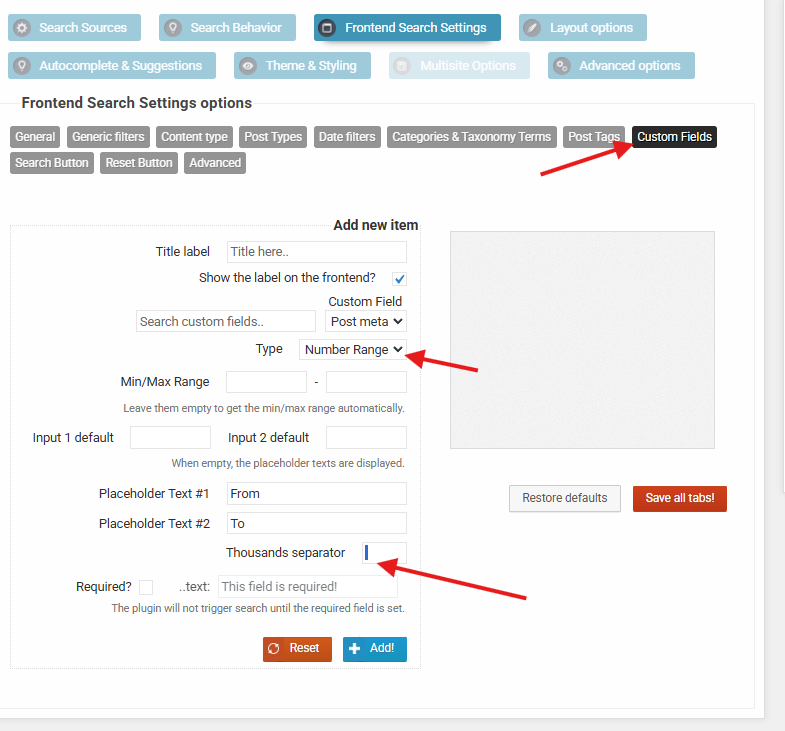
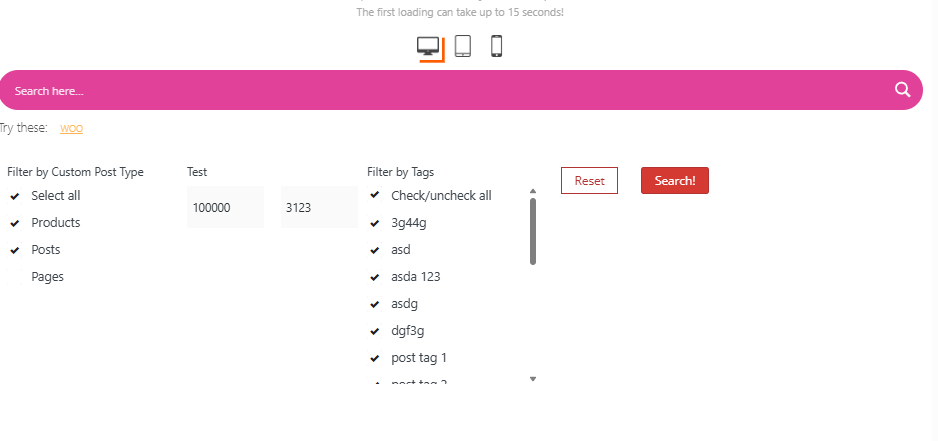
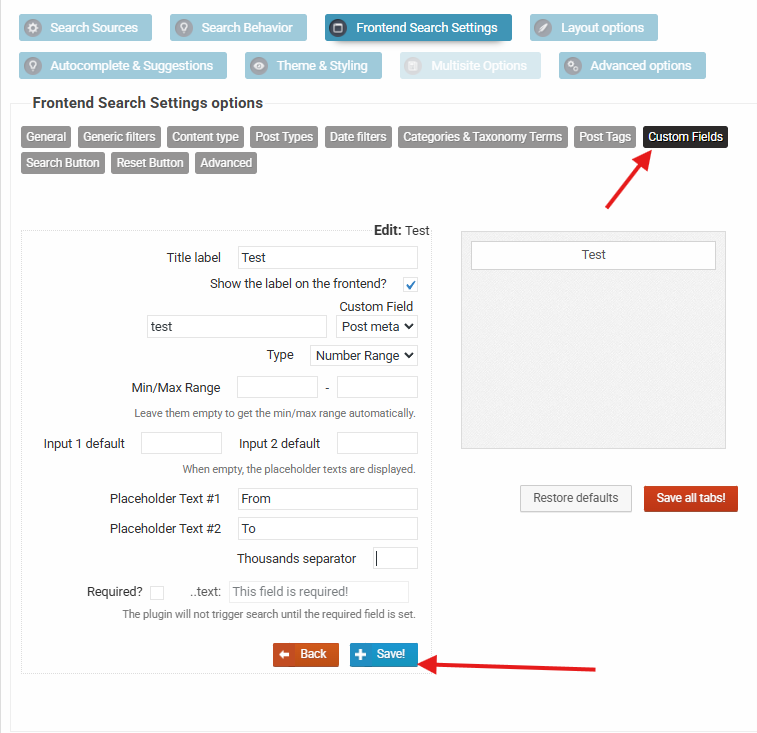
A second item is that the number range selector field is not handling the thousands separator as expected. The default in the thousands separator appears to be a space, ”, which cannot be removed. This appears in the user number range dialog as a space inserted into the user entered value. For numbers its OK, but I am using the number range as a date range and it looks poor. A date ends up split as ‘1 900’. Deleting the default space out of the thouands seperator field is not honoured and saving the settings is not honoured.
.