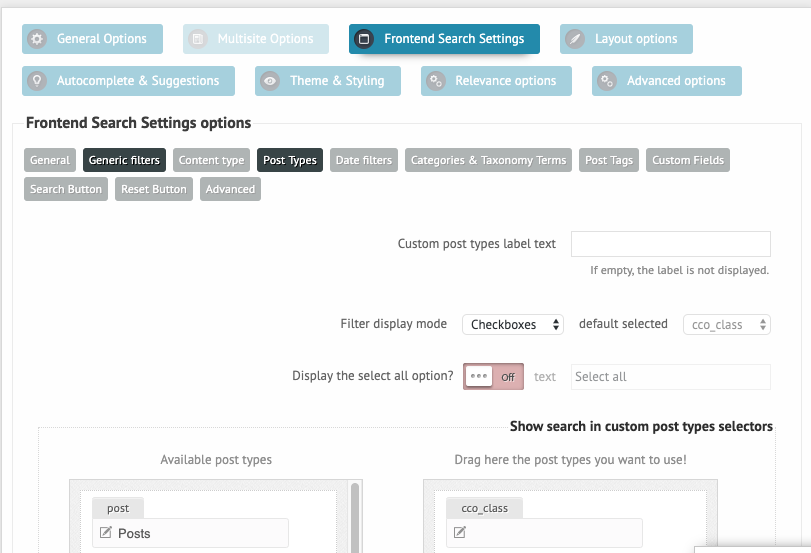
On our site we are limiting searches to a custom Post Type. In the Frontend Search Settings, I can leave the label text blank and I can do the same for the Custom Post type, but I still have the checkbox in the frontend search. Is there a way to remove that checkbox?
I do need to limit searches to a specific custom post type, but I don’t want anyone to see that selector checked on the frontend. Is there another way to hide the checkbox?
But that does not change the outcome, it is only a visual filter.
The post types, that had been selected under the General Options -> Sources panel will be used for search. If you want to limit the search to specific post types, then choose them there, the checkbox filter is not required of that.
If you still need them though, you can force hide them with this custom CSS:
.