custom search page
Home › Forums › Product Support Forums › Ajax Search Pro for WordPress Support › custom search page
- This topic has 3 replies, 2 voices, and was last updated 8 months ago by
Ernest Marcinko.
-
AuthorPosts
-
November 23, 2025 at 8:56 am #56222
orders_YH51
ParticipantHello,
When the user types something and presses Enter (or clicks the magnifier), they should be redirected to a custom search results page that displays Ajax Search Pro results
I’ve been working with ChatGTP for four hours yesterday evening and two hours this morning, but we can’t get it to work.
Can you help?
With Kind Regards,
Iwan
November 23, 2025 at 10:40 am #56223KeymasterHi Iwan,
There is no such thing as custom results page in WordPress, that’s probably why chatGPT was not able to suggest anything. It is a wordpress limitation, there are so called archive pages, and for search results there is only a single archive and it’s not possible to make a different one (wordpress can’t do that).
It are two possible workarounds, one is to use elementor pro to build a custom page to direct the results to, or to use the built-in results shortcode on a page. Both are viable options, I would probably suggest going with the Elementor solution if it’s absolutely neccessary.
November 23, 2025 at 10:59 am #56224ParticipantOk
What we tried
We created a separate WordPress page to serve as the custom results page.
We placed the shortcode:
[wpdreams_ajaxsearchpro_results id=1 element="div"]
…on that page.
In Ajax Search Pro → Search Behavior:
Override the default WordPress search results → ON
Action when clicking the magnifier icon → Redirect to custom URL
Custom URL: the page we created for the results
The problem
When typing in the search bar and pressing Enter (or clicking the magnifier), the page loads:
?s=keyword&asp_active=1&p_asid=1&p_asp_data=1 …
…but the page stays empty — no results are displayed.
If we disable “Override the default WordPress search results”, we get the normal WP search page, but that is not what we want.
Our question
We understand from documentation that WordPress does not support multiple search result templates.
But we want to show the Ajax Search Pro results inside our own page layout (built with WPBakery / Porto Template Builder).Could you please tell us:
Is it possible to use the Results Shortcode on a normal page, and force the search to load results there?
If yes — which settings must be enabled/disabled?
If no — is Elementor Pro really the only method to have a custom-designed search result page?
Any guidance is very appreciated.
November 23, 2025 at 11:20 am #56225KeymasterOh, okay!
I think I know the issue. The results shortcode alone is not enough:
[wpdreams_ajaxsearchpro_results id=1 element="div"]
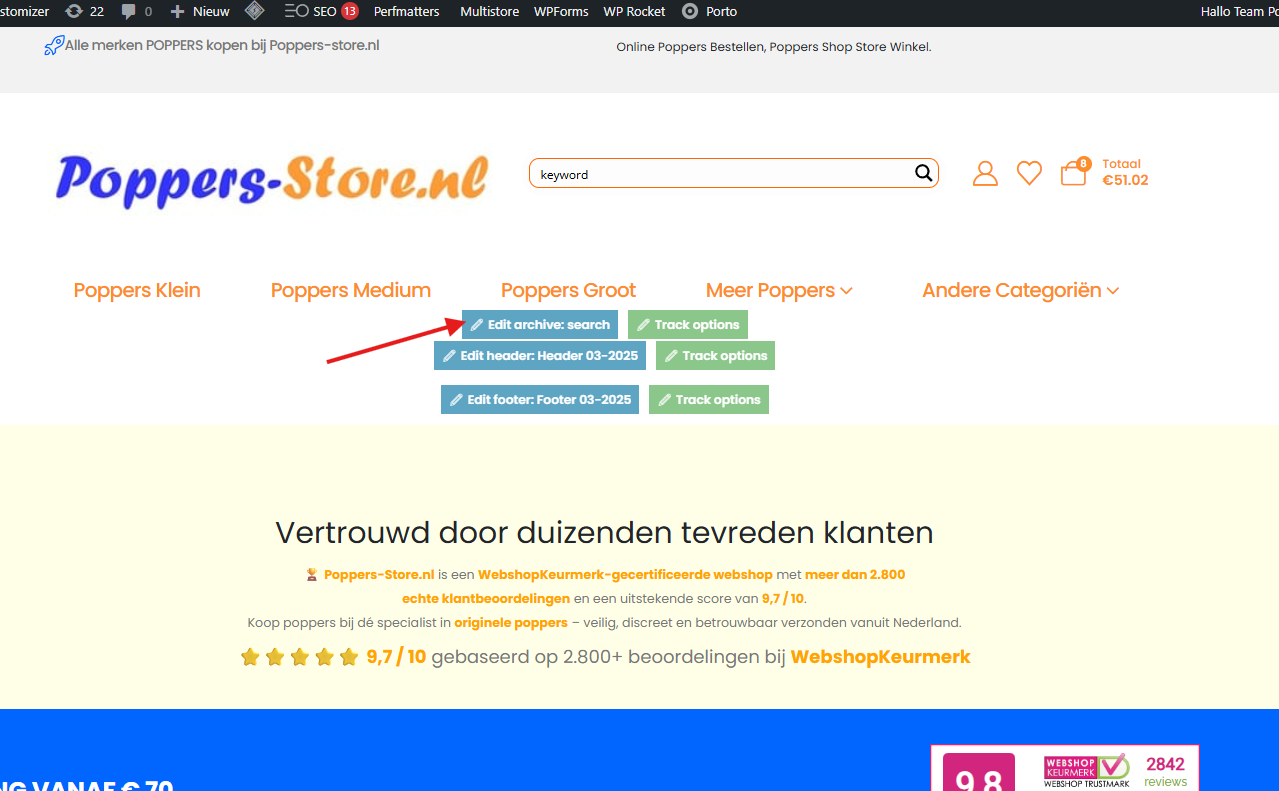
The same search also has to be on the page somewhere, otherwise it may not be rendered. If you place the search shortcode somewhere[wd_asp id=1]on the same page, the results should start appearing.Elementor Pro is an option, but most themes nowdays have a builder to edit the search results archives – I would go with that to minimize overhead. I logged in to check and your theme does have a results archive customizer feature. That could solve all your issues, and you don’t have to use any plugins or the shortcode or anything.
-
AuthorPosts
- You must be logged in to reply to this topic.