Home › Forums › Product Support Forums › Ajax Search Pro for WordPress Support › filtering and showing in a right place
- This topic has 7 replies, 2 voices, and was last updated 9 years ago by
Ernest Marcinko.
-
AuthorPosts
-
May 22, 2017 at 11:50 am #13179
Proovikas
ParticipantHi, I just bought your plugin. I am using TLP team pro plugin for displaying some members. Here is example how it-is showing: http://fuusika-he.eu/tegijad/ . In this plugin I have two categorys and i would like to make search/filter in sidebar, where my customers can filter out right person by name or categorys and this changing my members in that list (ajax).
Now i have your filter in my sidebar but if i choose any categorys then the result will show only in your search area, not in my members list: https://prnt.sc/faostr
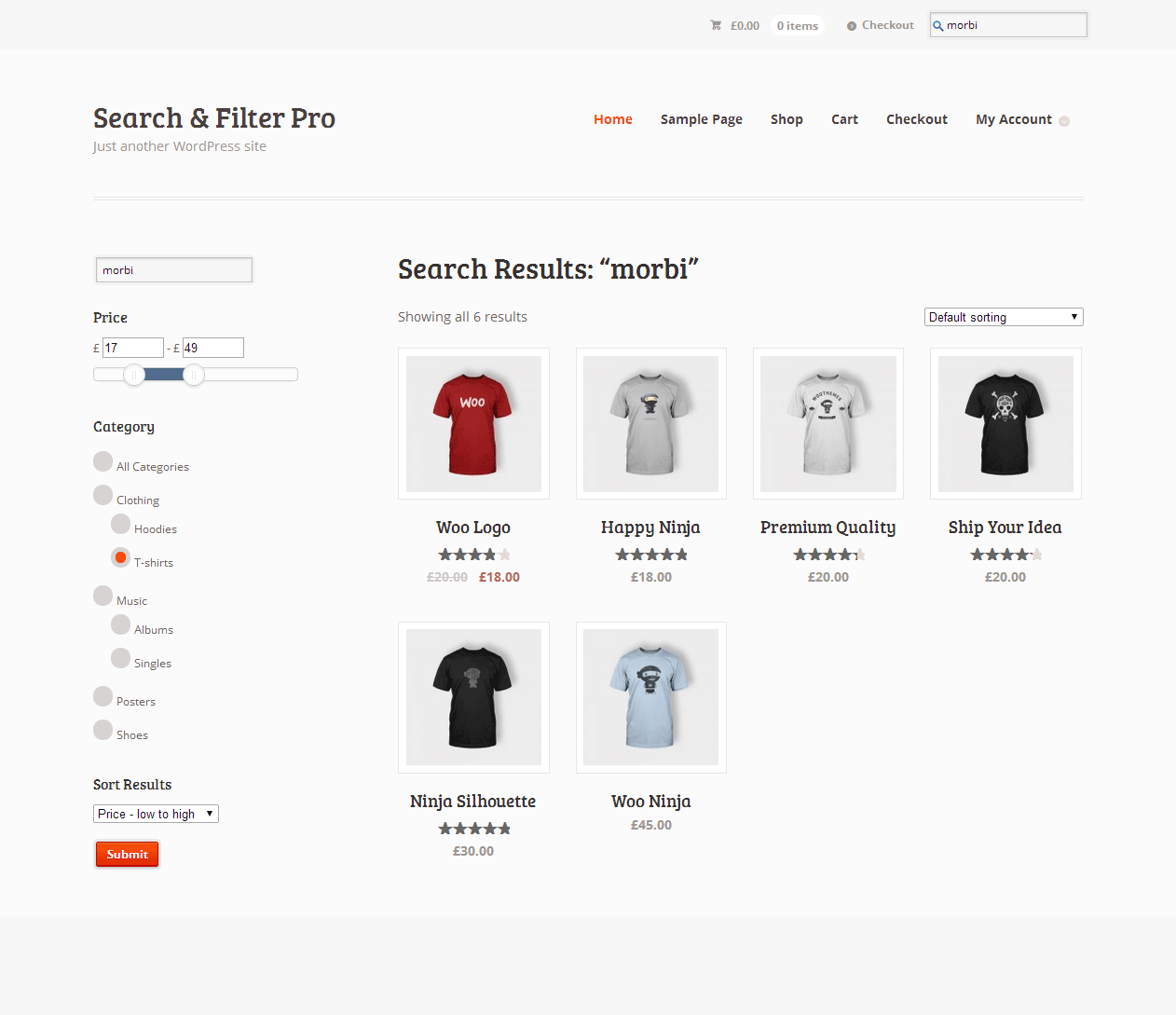
How to do this?Another example: like in woocommerce: https://www.designsandcode.com/wp-content/uploads/2014/05/search-filter-screen-1.png I have sidebar filter and if i choose something by filter then it will show only these things.
May 22, 2017 at 12:11 pm #13181KeymasterHi,
The plugin cannot affect that list, it’s custom made by the theme you are using, it’s not possible to connect them.
What you can do instead, is use the results shortcode to replace that content there, so the plugin will display the results where the shortcode is positioned: https://wpdreams.gitbooks.io/ajax-search-pro-documentation/content/getting_started/custom_result_box_position.html
May 22, 2017 at 1:35 pm #13184ParticipantHi, that’s sad. Before i bought it, i asked about it. Is it possible to get refund?
May 22, 2017 at 1:50 pm #13185KeymasterHi,
I just looked up your pre-purchase question, but there is no mention there of connecting the existing content layout with the filters. I though you meant searching and filtering users, as you wrote in your email.
It’s not really the plugins issue, this is simply not possible with any plugin out there, you will need a custom coded solution to be integrated with the existing content. That could be very costly, in my opinion.
Replacing that content with the search results shortcode I think it’s the fastest and most reliable solution for this, and it’s all built in to this plugin as well, and it won’t cost you anything. The isotopic layout is even very close to what you have right now on the page.
There is also an auto populate feature available, if you want to display some results initially. That would achieve almost exactly what you needed.We follow the codecanyon item re-fund policy, which is very strict, re-funds are only issued under very rare circumstances, you can read more about it here: https://codecanyon.net/page/customer_refund_policy
May 25, 2017 at 4:22 pm #13234Participanthi,
okay. I have been made some filters with your plugin and I have on the top of filters search field. My page looks like this: https://prnt.sc/fbzynx
If i check some filters on then it is showing correct memeber: https://prnt.sc/fbzz73 what is correct. But if I search by writing a member name and none of filters are not checked, then it doesn’t show anything: https://prnt.sc/fc03oz. I would like to search also member name even if catecorys are not checked. How to make this?
I really appreciate if you can help me out:)
I watched all your video tutorials and tried to search in documents this, but i didn’t found anything.May 26, 2017 at 12:27 pm #13250KeymasterThat might not be possible, because that essentially means that all the un-checked categories are considered as excluded.
I have made a code snippet that might help. Try placing this into the functions.php file in your active theme directory (copy from line 3):
It may not work, but it’s worth a try.
June 1, 2017 at 8:21 am #13347ParticipantThank you. It is working 🙂
June 2, 2017 at 6:28 am #13354KeymasterYou cannot access this content.
-
AuthorPosts
- The topic ‘filtering and showing in a right place’ is closed to new replies.