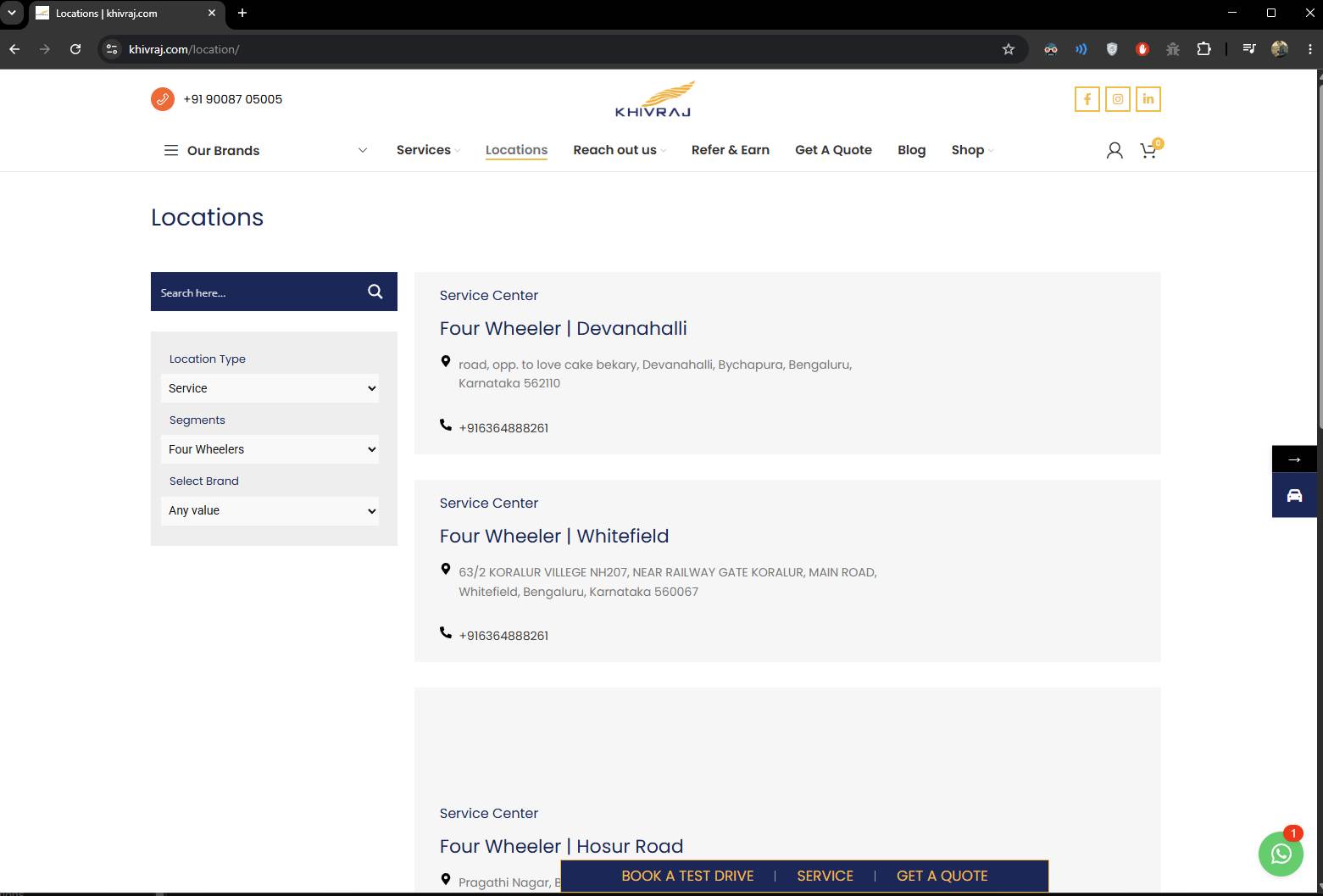
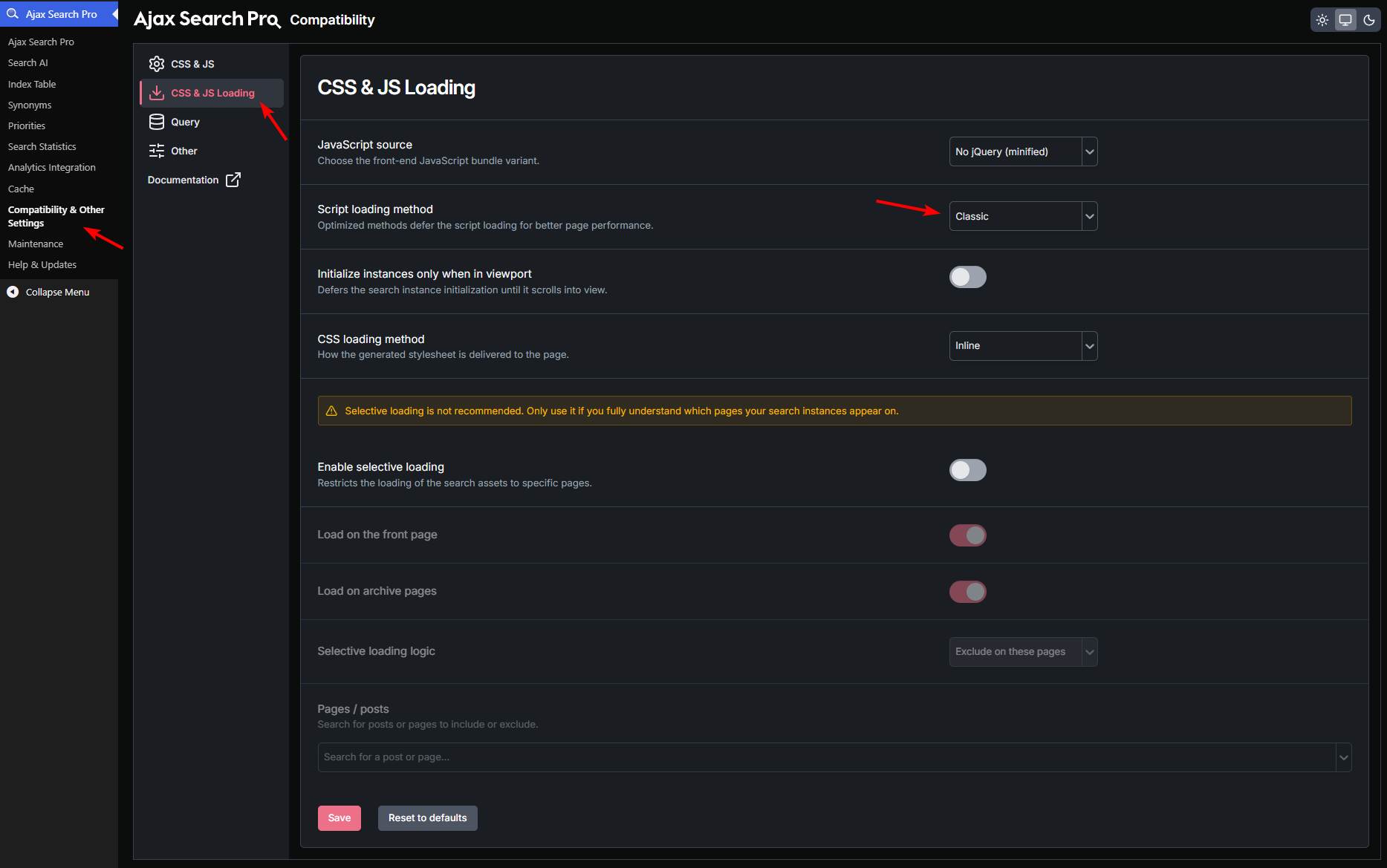
Filters not visible Filters not visible Home › Forums › Product Support Forums › Ajax Search Pro for WordPress Support › Filters not visible This topic has 5 replies, 2 voices, and was last updated 1 month, 2 weeks ago by Ernest Marcinko. Viewing 6 posts - 1 through 6 (of 6 total) Author Posts June 2, 2026 at 7:35 am #57554 transparentstoriess_vcbSParticipant Filter are visible only when login as admin June 2, 2026 at 7:50 am #57555 Ernest MarcinkoKeymaster Hi, Thank you for the details, it helps a lot. I just checked (without logging in) but the filters are visible on the given URL on my end: https://wp-dreams.com/assets/support/2026-06-02_XjfHMMBoh5.jpg You may have to clear your browser/site/cloudflare cache, it is likely only due to that. June 2, 2026 at 9:57 am #57560 transparentstoriess_vcbSParticipant Not visible in private pls check June 2, 2026 at 1:09 pm #57562 Ernest MarcinkoKeymaster Sure! I tried to check but the admin is so heavily cached on CDN, that I can’t make any changes. Please make sure to disable CDN and cloudflare for logged in users, it should never be cached, as it will prevent loading the assets properly. June 3, 2026 at 7:07 am #57566 transparentstoriess_vcbSParticipant Cloudflare has been disabled June 3, 2026 at 8:04 am #57570 Ernest MarcinkoKeymaster Thanks! It was only a script loading issue because of the minification of the cache plugin. I changed the script loading method to classic, and it resolved the issue. After clearing all layers of cache should be fine on your end too. Author Posts Viewing 6 posts - 1 through 6 (of 6 total) You must be logged in to reply to this topic. Log In Username: Password: Keep me signed in Log In
.