Forum Replies Created
-
AuthorPosts
-
Manu
ParticipantHi Ernest,
Thank you for your answer,
I will try to debug as soon as possible and i will let you know what i will find.
ParticipantHi Enernest,
Are you able to reproduce this bug ?
It’s quite a problem because each time i’m saving a draft CPT , it will appear in the search result.
Thank you for your help,
Manu
ParticipantThanks a lot Ernest 🙂
ParticipantHi Enerst,
Thank you for your answer !
I think it can be achieve but without json output only it will be hard !
If one day you think to add a template who output only json, or better a custom endpoints compatible with the rest API (https://developer.wordpress.org/rest-api/extending-the-rest-api/adding-custom-endpoints/) it will be great 🙂
ParticipantYou cannot access this content.
ParticipantHi Ernerst,
Nop the options are reverting back to the default values.
What is strange is that the result box backgound color is working.
I tried to play with the minification coming with your plugin but stull no luck. Same when i’m forcing inline-style.
I’m not having anything inside the log.
For info I’m using PHP7, Nginx, MariaDBThank you,
ParticipantNB : searchX.css are not updated when i change the animation setting. (Theme options > Isotopic Results > Display animation )
ParticipantThank you,
When i change Theme options > Isotopic Results > Display animation >
I can see that the date of the file /wp-content/uploads/asp_upload/style.instances.css is updated.
However if i change the setting lightspeedout to something else like rotatein, even if the date of the file is updated the code is strictly identical (looking directly on the server throught ssh).
If i change the result box backgound color on the same setting page it’s working.
I’ve desactivated all the cache / cdn etc ..
Thank you for your help,
ParticipantCan you give me the name of the css files impacted by the change ?
Thank you,
ParticipantThanks for your fast anwser,
Ok I’m going to try what you said and i will let you know.ParticipantThank you very much !
ParticipantIt’s perfect 🙂
Thank you !
ParticipantThank you for your very fast answer, the problem is solved 🙂
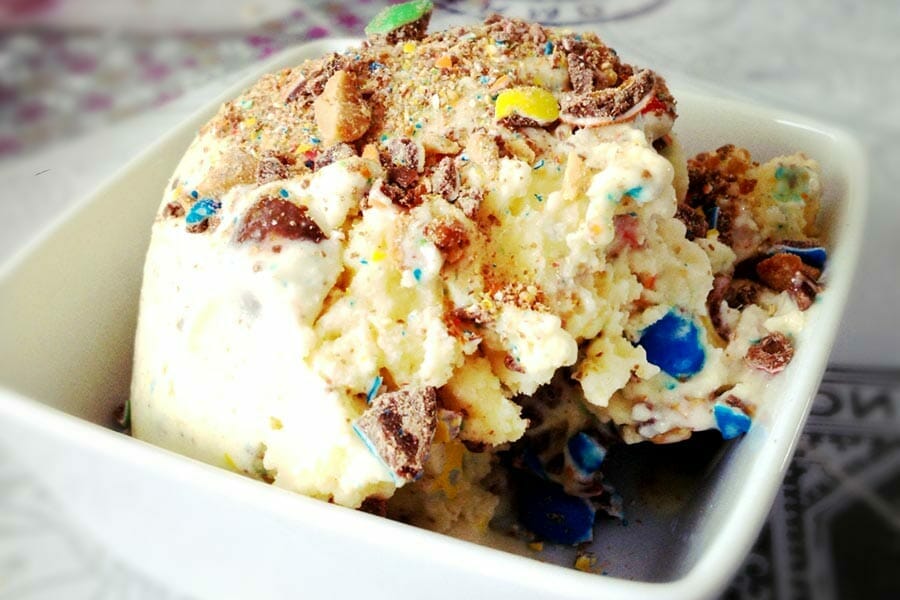
Just an another question, the image used in the result are my big thumbnail post (https://www.cookomix.com/wp-content/uploads/2016/04/mc-flurry-thermomix.jpg)
I didn’t see an option to specify a custom size for the_post_thumbnail (like medium, full, large etc… or a custom size defined in wordpress) i didn’t activate the image resizing in the plugin to save processor and because i have already the right size generated. There is a way to call programatically a custom size for the_post_thumbnail ?
Thank you !
Emmanuel
-
AuthorPosts