Forum Replies Created
-
AuthorPosts
-
Ernest Marcinko
KeymasterYou cannot access this content.
KeymasterHi,
So is it only a styling issue? In that case it’s definitely something minor with the custom CSS.
Can you link both pages? I can probably tell what CSS is missing or incorrect if I can check them through the debugger.
January 29, 2026 at 11:33 am in reply to: Wrongly activated Astra theme with key before changing to real domain name #56898KeymasterSure!
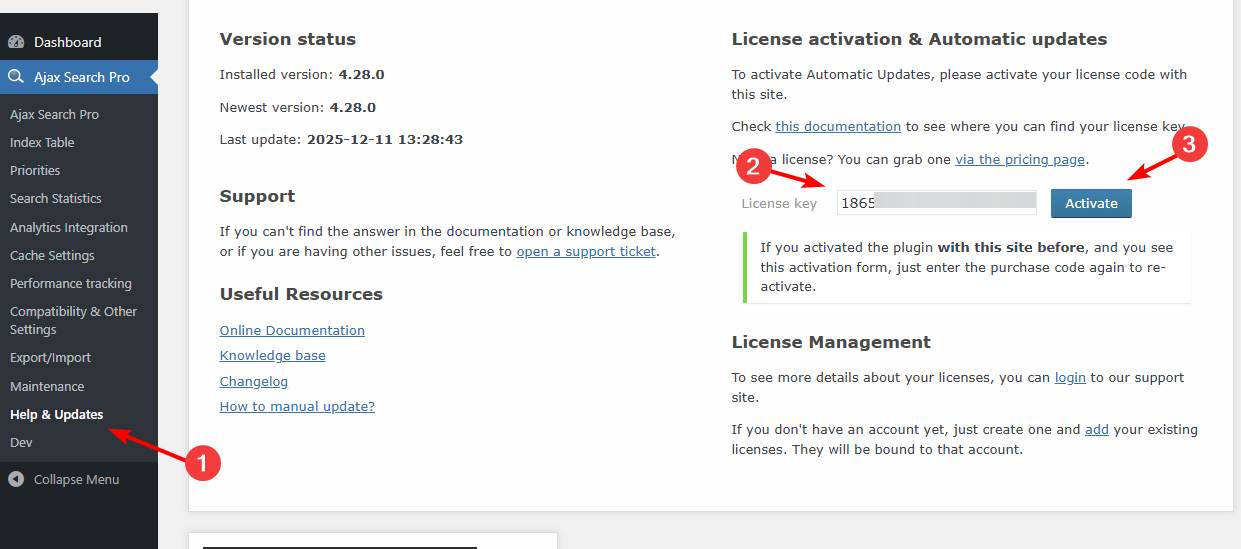
If you go to the Ajax Search Pro Update menu on the dashboard on knowledge.gstc.org site and activate the license there, it will update to that site. This link should take you there directly.
Just to be sure I have changed the domain manually for you, it should display active on knowledge.gstc.org now.
January 28, 2026 at 9:16 am in reply to: Index Table yields empty results after Import of posts #56891KeymasterYou cannot access this content.
KeymasterHi!
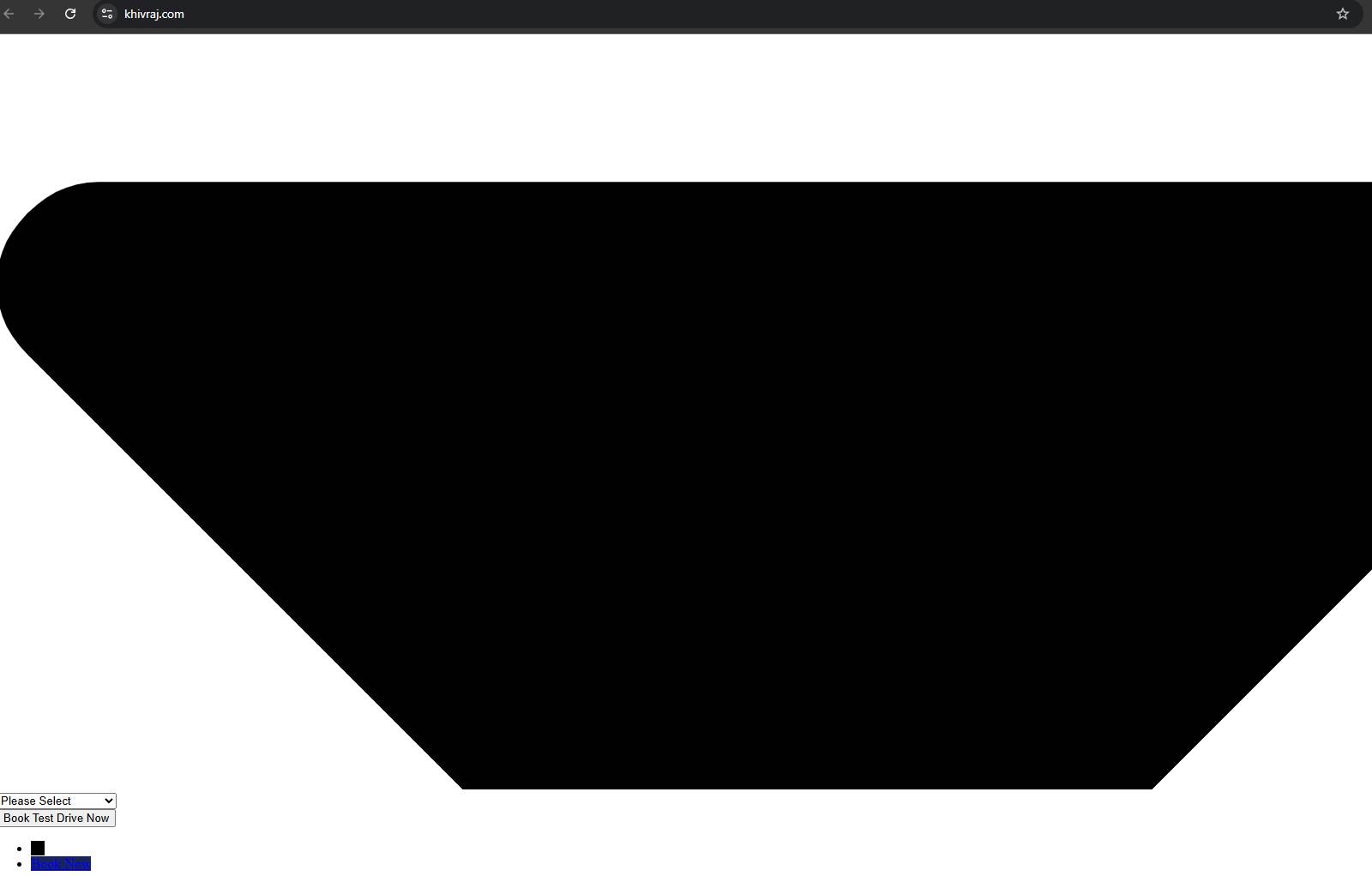
I tried to open the page, but the styles and scripts seem to be missing and it’s malfunctioning, please see screenshot here: https://wp-dreams.com/assets/support/2026-01-28_Hmq8VDkNZf.jpg
You may have to clear the cache or configure it. Let me know when that’s resolved and I will test the issue. Thank you!
January 28, 2026 at 8:19 am in reply to: How to create multiple searches, each returning only CPTs in a custom taxonomy? #56889KeymasterYou cannot access this content.
KeymasterYou cannot access this content.
January 28, 2026 at 7:12 am in reply to: Wrongly activated Astra theme with key before changing to real domain name #56887KeymasterHi!
The license is no longer active on that site (inactive), it only shows where it was last active on.
You can activate it on the other site anytime (even if it were active) either way, it is automatically moved – no manual action is needed.
I hope this helps!
KeymasterYou cannot access this content.
KeymasterYou cannot access this content.
January 27, 2026 at 1:49 pm in reply to: How to create multiple searches, each returning only CPTs in a custom taxonomy? #56874KeymasterYou cannot access this content.
KeymasterHi Steve,
I’m afraid that is not possible (as of yet), I’m not sure if it will be in the nearest future. It’s not a complicated feature to add, but so far any reasonable solution is extremely slow and very resource heavy, so it was never implemented.
KeymasterHi Andreas,
Yes, of course!
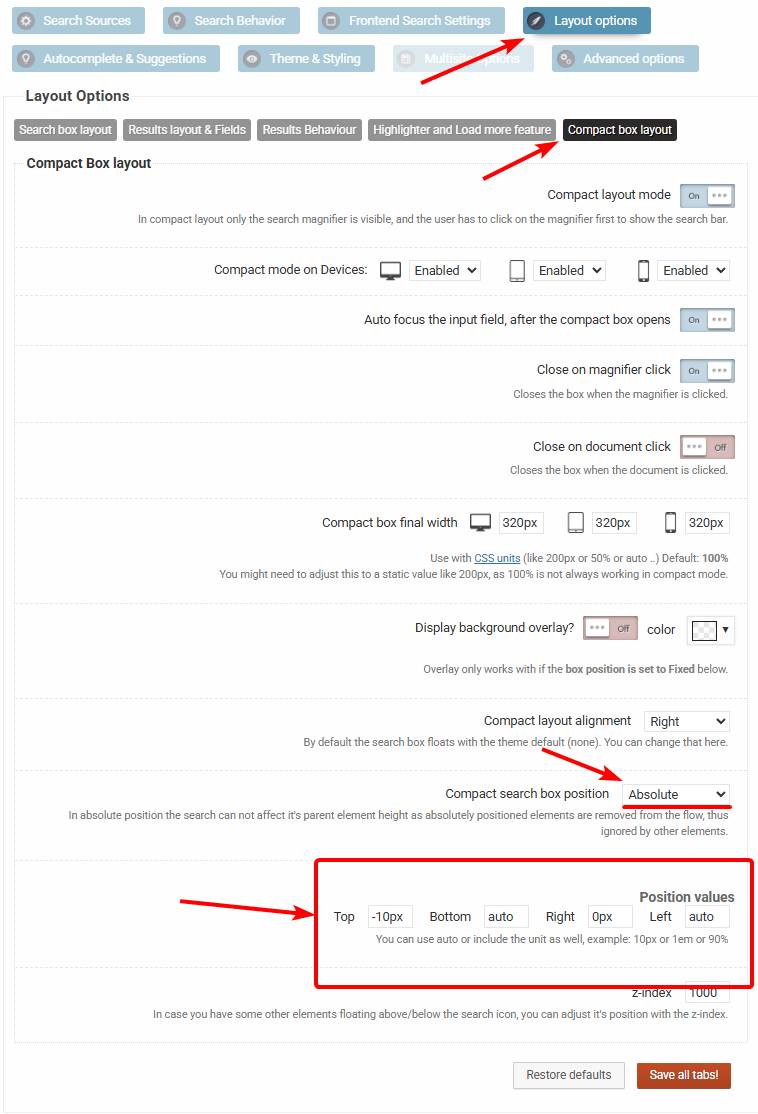
This is the configuration you are looking for: https://wp-dreams.com/assets/support/2026-01-27_upKLD7awZt.jpg
You might have to adjust the top value a bit, I’m not a 100% sure that the -10px is the correct alignment, but this should do the trick. In case you need help with it, you can add temporary back-end details and I will adjust it for you 🙂
I hope this helps!
KeymasterYou cannot access this content.
KeymasterYou cannot access this content.
-
AuthorPosts