Forum Replies Created
-
AuthorPosts
-
Ernest Marcinko
KeymasterYou cannot access this content.
KeymasterYou cannot access this content.
KeymasterSure!
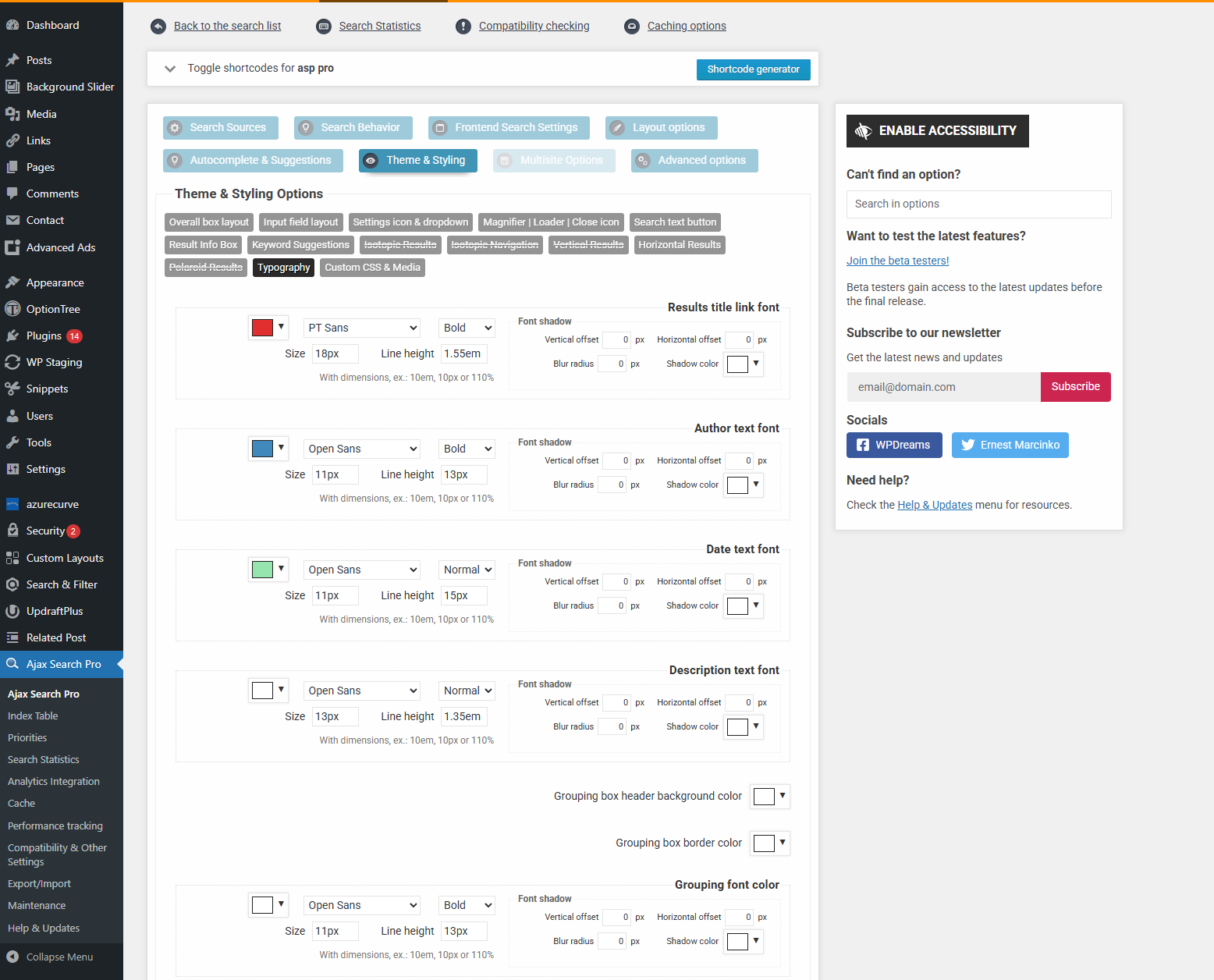
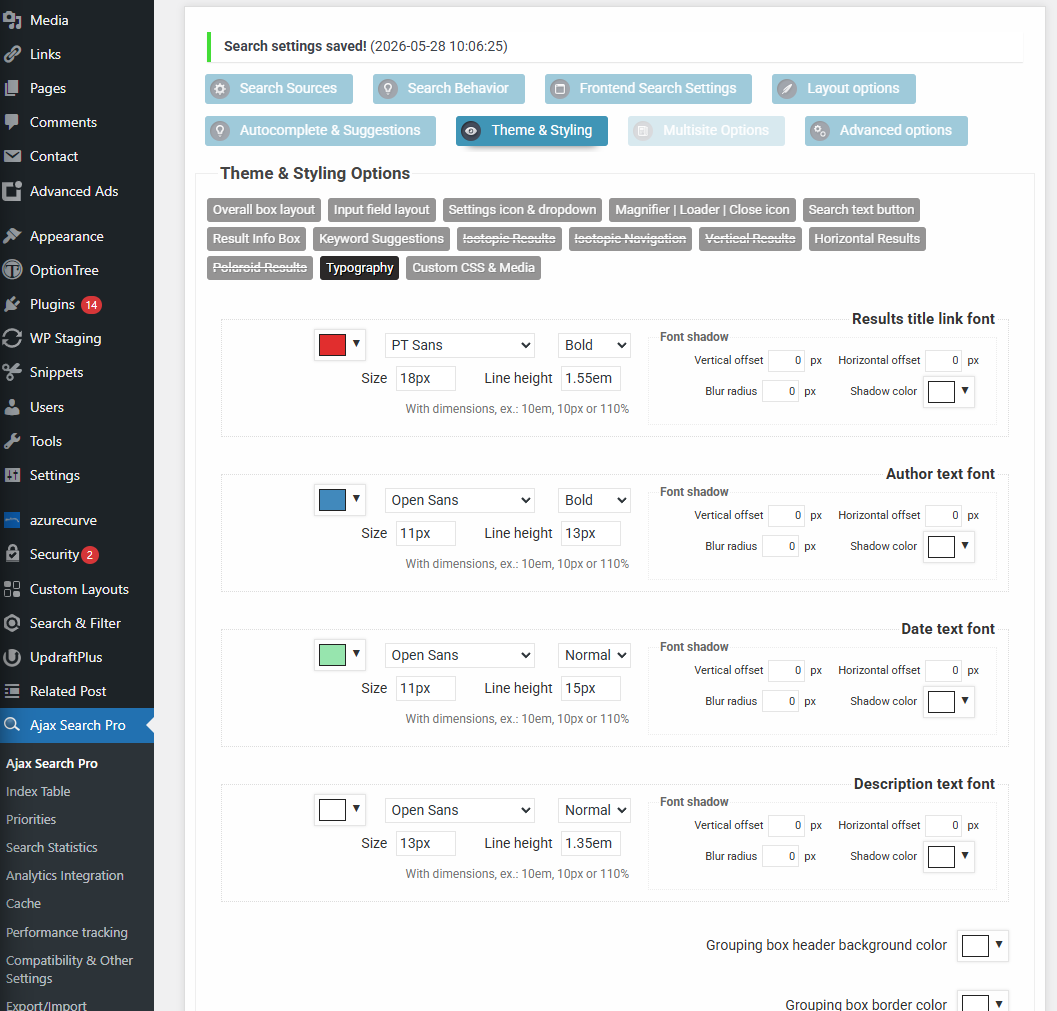
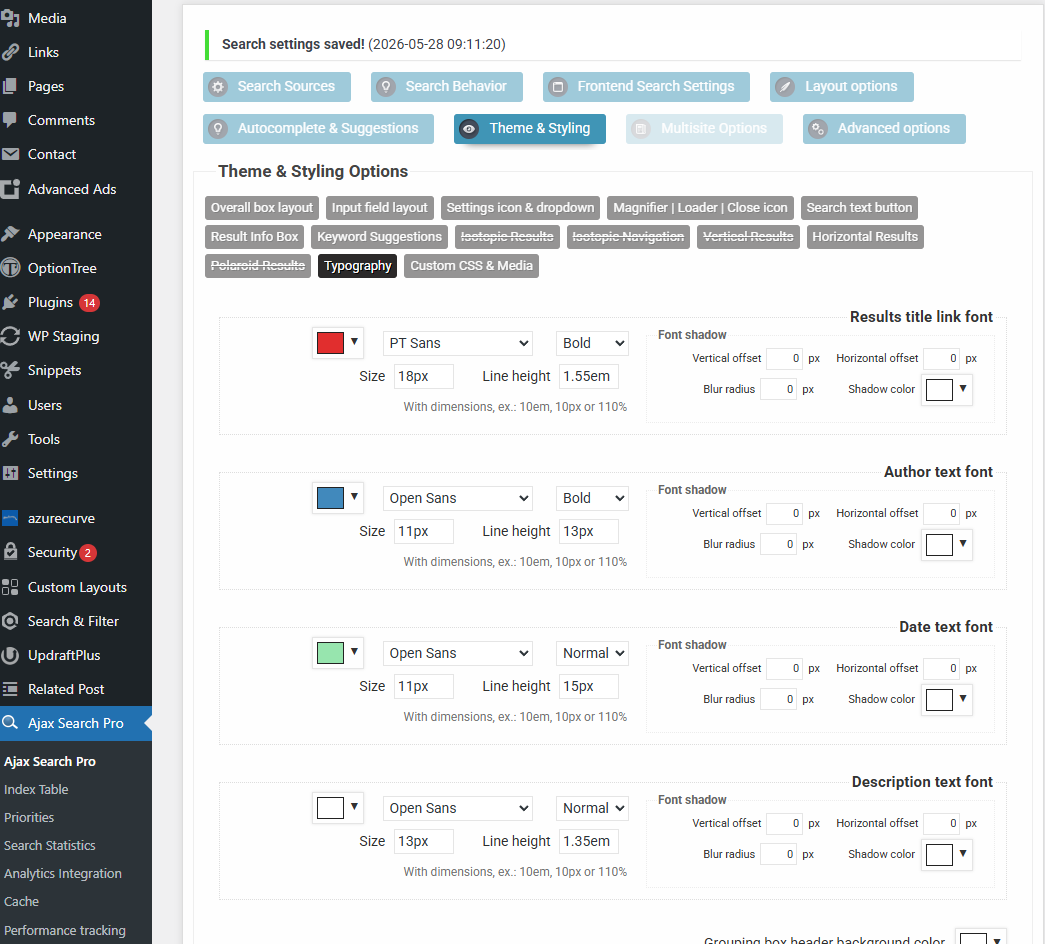
This is a screenshot I just did a few seconds ago in a incognito Chrome window, and the changes are still there which I did earlier. Just to be sure I saved another time, closed, and the colors still correct. Then closed the whole browser, opened again, still correct.
May I ask what operating system are you using?
This must be something to do with a platform or system, as if this issue was present for everyone it would have been reported a hundred times for sure.
KeymasterHi,
The two plugins are sepearte, in this case you only need to have the Pro version installed.
Here is a really quick tutorial on how to one-click import from the lite version.
The main difference is that while in the Lite version you only had a single configuration page, in he Pro you can make as many search bars as you want, so first one has to be created by importing from the lite version. In the video above I explain it in more details.
If you need any help with the setup just let me know. I recommend checking some of the video guides too.
KeymasterHi,
Thank you very much for the details it helped a lot.
After some debugging I have found the error stack trace:
[28-May-2026 09:30:09 UTC] WordPress database error Table 'scenesderdgreggy.wp_ajaxsearchpro_statistics' doesn't exist for query SELECT COUNT(*) FROM.wp_ajaxsearchpro_statistics. made by activate_plugin, do_action('activate_ajax-search-pro/ajax-search-pro.php'), WP_Hook->do_action, WP_Hook->apply_filters, WPDRMS\ASP\Core\Manager->activationHook, WPDRMS\ASP\Core\Init->activate, WPDRMS\ASP\Database\Manager->create, WPDRMS\ASP\Database\Manager->count
[28-May-2026 09:30:09 UTC] PHP Fatal error:  Uncaught TypeError: WPDRMS\ASP\Database\Manager::count(): Return value must be of type int, null returned in /home/scenesderd/www/wp-content/plugins/ajax-search-pro/src/server/Database/Manager.php:200
Stack trace:
#0 /home/scenesderd/www/wp-content/plugins/ajax-search-pro/src/server/Database/Manager.php(128): WPDRMS\ASP\Database\Manager->count('stats')
#1 /home/scenesderd/www/wp-content/plugins/ajax-search-pro/src/server/Core/Init.php(41): WPDRMS\ASP\Database\Manager->create()
#2 /home/scenesderd/www/wp-content/plugins/ajax-search-pro/src/server/Core/Manager.php(406): WPDRMS\ASP\Core\Init->activate()
#3 /home/scenesderd/www/wp-includes/class-wp-hook.php(341): WPDRMS\ASP\Core\Manager->activationHook(false)
#4 /home/scenesderd/www/wp-includes/class-wp-hook.php(365): WP_Hook->apply_filters('', Array)
#5 /home/scenesderd/www/wp-includes/plugin.php(522): WP_Hook->do_action(Array)
#6 /home/scenesderd/www/wp-admin/includes/plugin.php(703): do_action('activate_ajax-s...', false)
#7 /home/scenesderd/www/wp-admin/plugins.php(60): activate_plugin('ajax-search-pro...', 'https://www.sce...', false)
#8 {main}
  thrown in /home/scenesderd/www/wp-content/plugins/ajax-search-pro/src/server/Database/Manager.php on line 200
This indicated a database issue, where one of the options was corrupted (_asp_db_tables), likely during saving or when migrated from the staging environment. I have removed the option from the database so it’s get refreshed and now the plugin activates and will work as before. This is extremely rare and likely will never happen again.
I left it deactivated for you as I don’t want to change anything on your website without permission.
KeymasterHi,
Thank you for the feedback! I took some time to test this on every single major browser on both Mac and Windows platforms on 3 different computers just to be sure (Chrome, Firefox, Safari, Edge and Opera), but in every single case it works all right on my end. The changes reflect on both the settings and the front-end.
This is definitely not a cache problem at this point, but I still suspect something with the browser or something above that, the values can’t just reset randomly on their own, the plugin saves and serves back whatever was entered to the inputs.Can you please try with a different browser, preferably google Chrome?
KeymasterYou cannot access this content.
KeymasterYou cannot access this content.
KeymasterHi,
Thank you!
I have changed a couple of things (border, settings tick color) but the changes are apparent on my end: https://wp-dreams.com/assets/support/2026-05-26_OAgCpQL9L6.jpg
Do the colors reset back on the preview window as well? Do you have any auto-fill related browser extensions by any chance? I recall someome having a very similar issue, where a browser extension was just pre-filling some input fields and caused a very similar problem.
KeymasterYou cannot access this content.
KeymasterHi!
Thank you for your kind words and the details, it helps a lot!
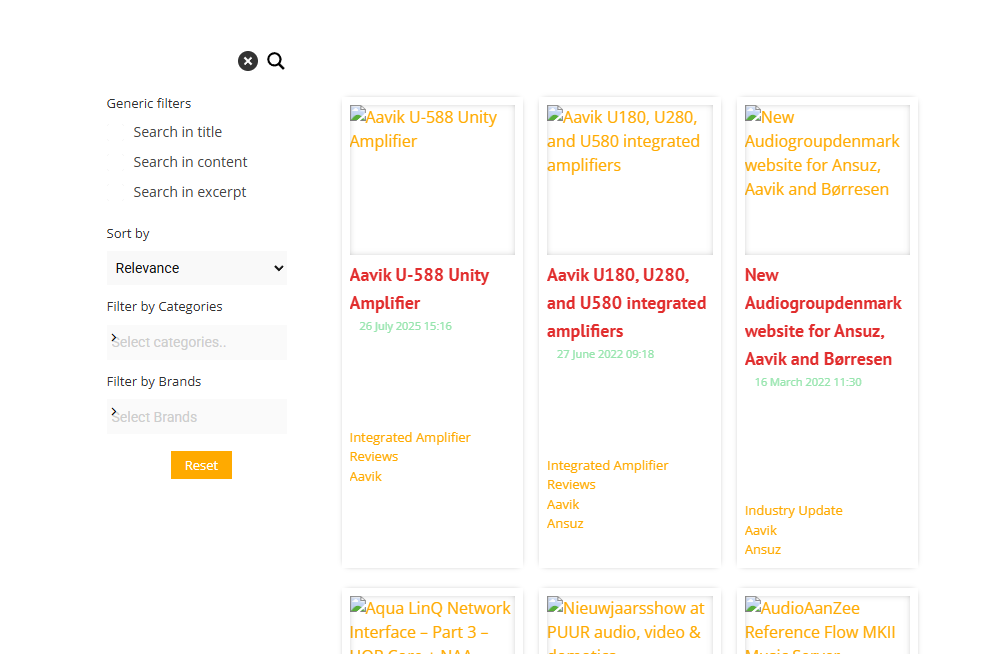
If the preview is all right, then it is always a cache issue – if there is no cache plugin active, then most likely Cloudflare or a CDN that you might be using.
I switched the theme to test, but then I realized I don’t know which page has the search (as on the screenshot) and I didn’t want to change or break anyting on your site. Can you let me know the page URL where the plugin is active? Thank you!
May 23, 2026 at 5:00 pm in reply to: Synonyms word not working with WooCommerce product category #57471KeymasterHi,
Very soon actually! Version 4.29 is getting ready to be released in ~1 week, in which the synonyms is moved to a separate menu item with a new UI. It will feature taxonomy term result synonyms too.
KeymasterYou cannot access this content.
KeymasterThe main issue with that is, that something is extremely clogging up the wp_postmeta table in your database. If I re-enable the stock status ordering it will re-trigger the slowdown.
Have you checked the wp_postmeta table state? Have you tried adding indexes via the index sql plugin?
I suspect there might be a serious fragmentation problem with that table, or it has grown way too big, I strongly recommend checking it, otherwise if I make the change it will get slow because of the very slow response from that table.KeymasterYou cannot access this content.
-
AuthorPosts