Forum Replies Created
-
AuthorPosts
-
November 2, 2025 at 8:02 am in reply to: do_action(‘asp_after_search’, $search_phrase, $results_assoc_array); #55939
Ernest Marcinko
KeymasterHi,
For that purpose I recommend using the asp_results hook instead. That should contain all the results when a search override is triggered for the results page.
KeymasterYou cannot access this content.
October 30, 2025 at 3:44 pm in reply to: One character searches using a custom filter with index table. #55931KeymasterOh okay. How big is the index? Custom field based filtering can hurt the indexed search terribly, as it needs to make a subquery to fulfill the filter and it can’t be avoided in any way.
October 30, 2025 at 2:48 pm in reply to: One character searches using a custom filter with index table. #55922KeymasterHi,
It is more like due to it not using the index table for some reason. The number of characters
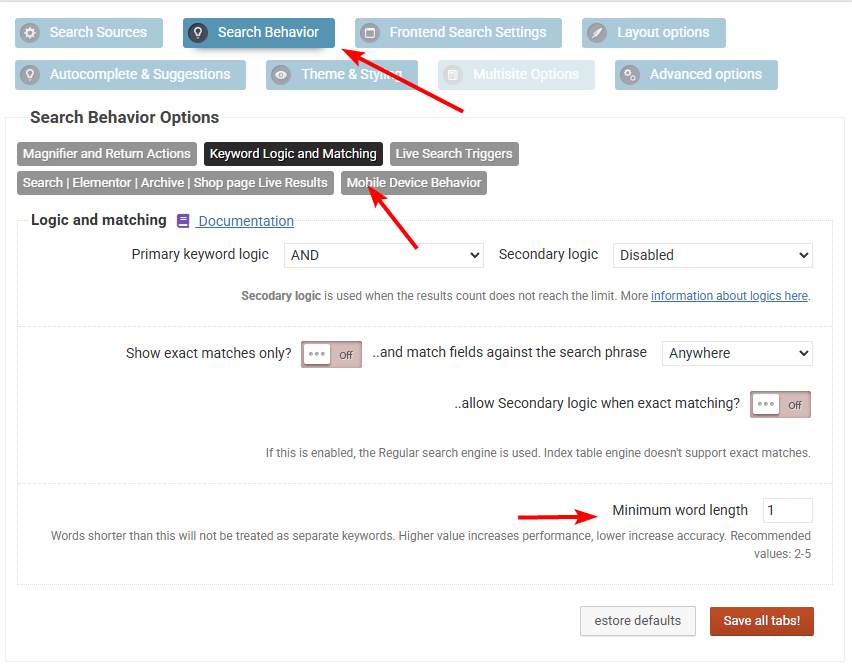
Can you please check if the minimum word length is set to 1 here.
KeymasterHi,
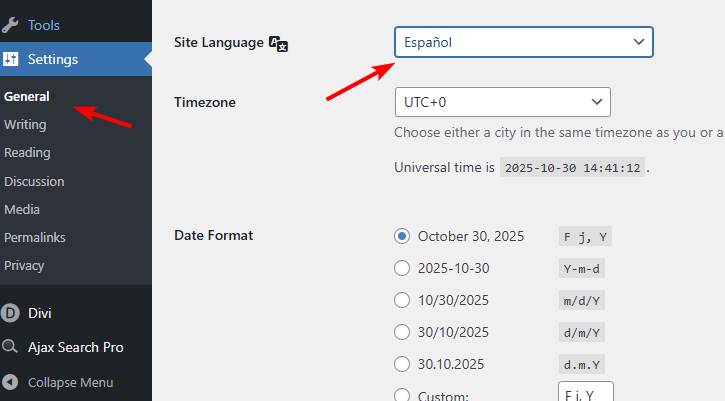
Make sure to set the site locale to Spanish, WordPress will automatically translate the datepicker. If it doesn’t work, then go to the Ajax Search Pro -> Compatibility & Other settings submenu, and change the script loading method to “Classic”: https://i.imgur.com/sTPZQ1w.png
October 30, 2025 at 12:17 pm in reply to: wp_localize_jquery_ui_datepicker – should be called after loading scripts #55917KeymasterHi,
Thank you, I will look into this, recorded on issue 281.
October 30, 2025 at 12:04 pm in reply to: hook to complete remove design/ css from the frontend #55916KeymasterMakes sense actually. Not sure why my brain thought it was okay like that. I have noted this on the bug tracker to be replaced with better alternatives (and still keeping backwards compatibility ofc).
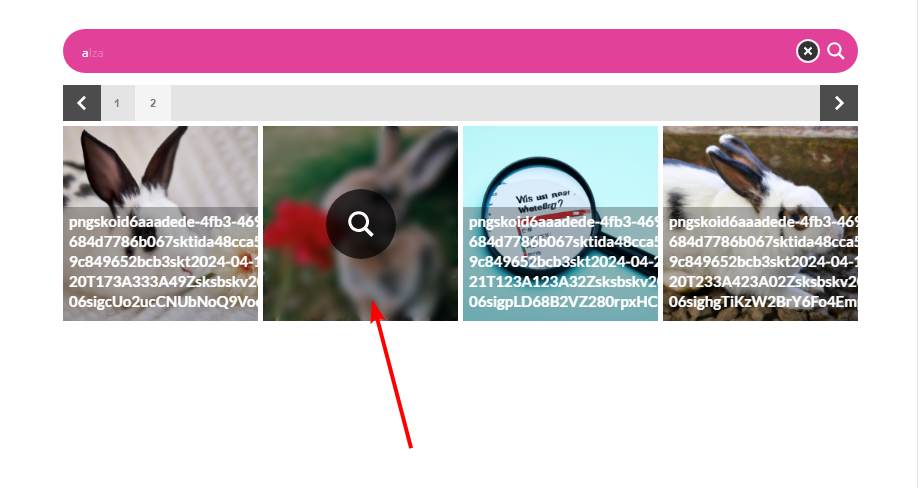
KeymasterIf you use the Lightbox, the photos appear at the bottom of the site and as a user you don’t see that immediately.
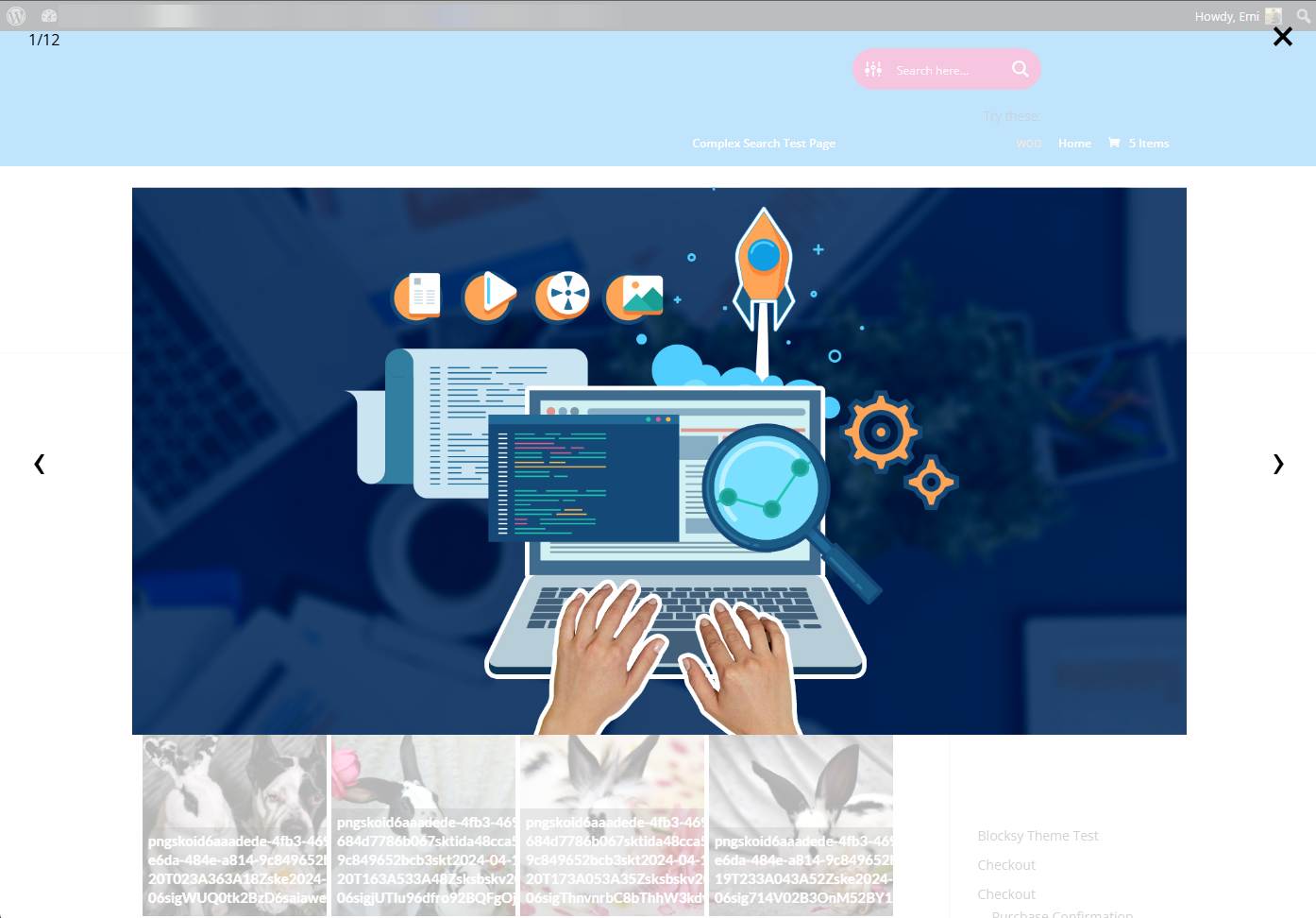
Oh? That sounds strange, it shouldn’t happen if I understand correctly. After searching then clicking on a result it should open a full-screen lightbox like so. Basically the same exact way as that you have on your website, I think it is the same lightbox script actually. Did the lighbox open differently or was the styling broken in some way? It could indicate an uncleared cache only.
Sorry for the questions, I just want to make sure the feature works all right before it goes to production 🙂
KeymasterYou cannot access this content.
KeymasterSure, no problem, I have initiated the refund request! It usually takes around 14 days for the refunds to process, thank you in advance for you patience.
May I ask what was the issue exactly? Your feedback would be increadibly helpful for making the plugin better in the future. NextGen image search was a very challenging feature to implement and I would love to know if there is anything specific you wanted.
KeymasterOh, all right then! I will investigate these further to see if this is only a one-off due to offsets or something that I can replicate, just to be sure.
KeymasterIndeed. Can you please try this custom CSS to force an absolute position on it:
@media (max-width: 768px) {
  .asp_r_2 {
    position: absolute !important;
  }
}
This should prevent it from fixing it to the screen and instead use a relative position to the container and therefore correcting the issue.
KeymasterYou cannot access this content.
KeymasterYou cannot access this content.
KeymasterThat is exactly what this CSS does, it prevents them from opening so the user can’t download them. Isn’t that what you needed? I might be missunderstanding something here.
-
AuthorPosts